
Understanding Settings
Settings opens from the Settings link in the Configuration group. The landing page lists Organization Settings cards and Module Settings panels used for workspace defaults and organization configuration.
Who this is for: Owners or staff who need to find workspace and module settings before reviewing or updating them.
Before you begin
Section titled “Before you begin”- An active operator session with visibility into the Configuration group.
-
Open Settings from the Configuration group in the sidebar.
-
Review the Organization Settings cards.
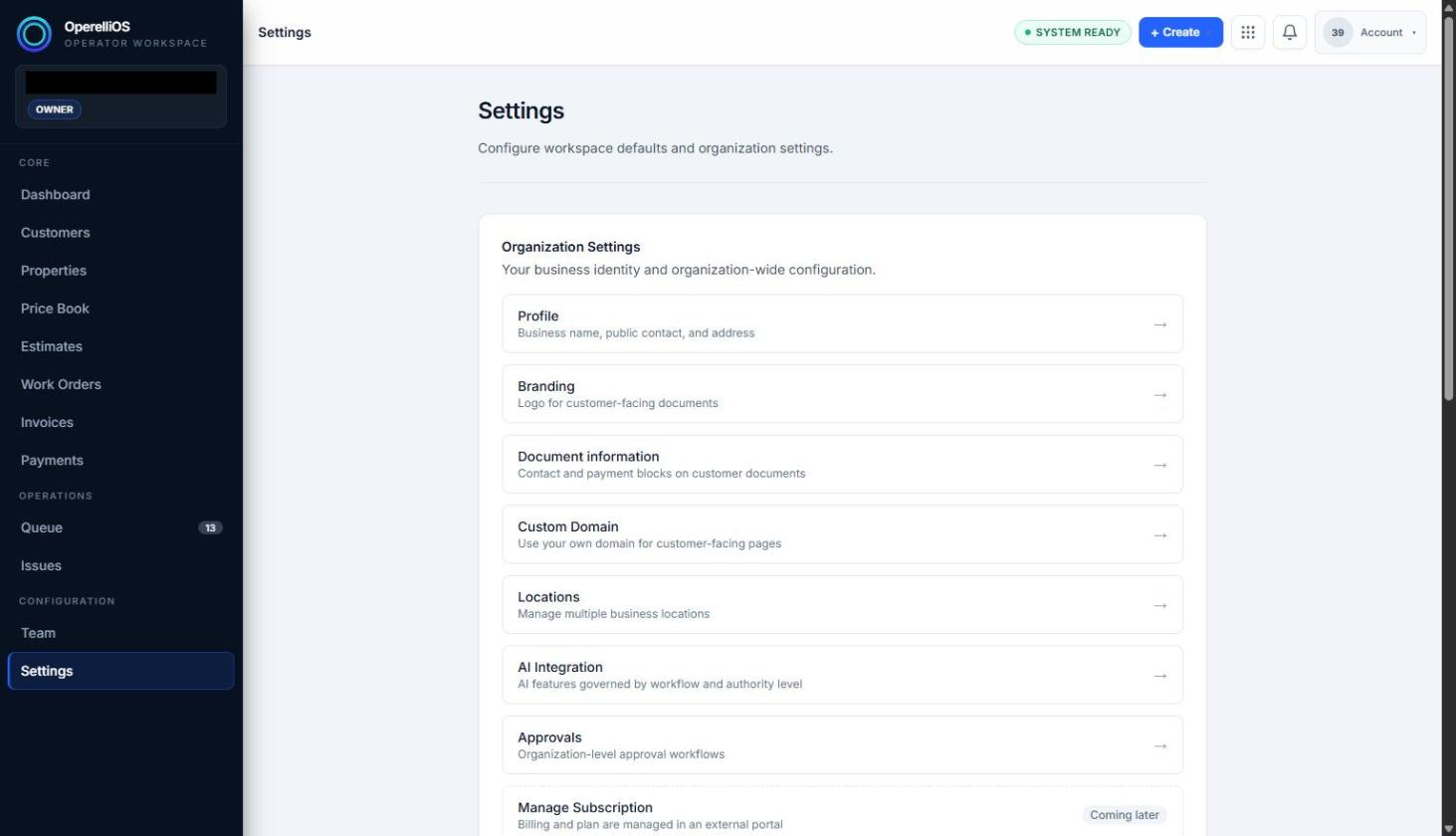
Organization Settings on the Settings landing page.
Observed Organization sections:
- Profile
- Branding
- Document information
- Custom Domain
- Locations
- AI Integration
- Approvals
- Manage Subscription
-
Review the Module Settings panels further down the page.
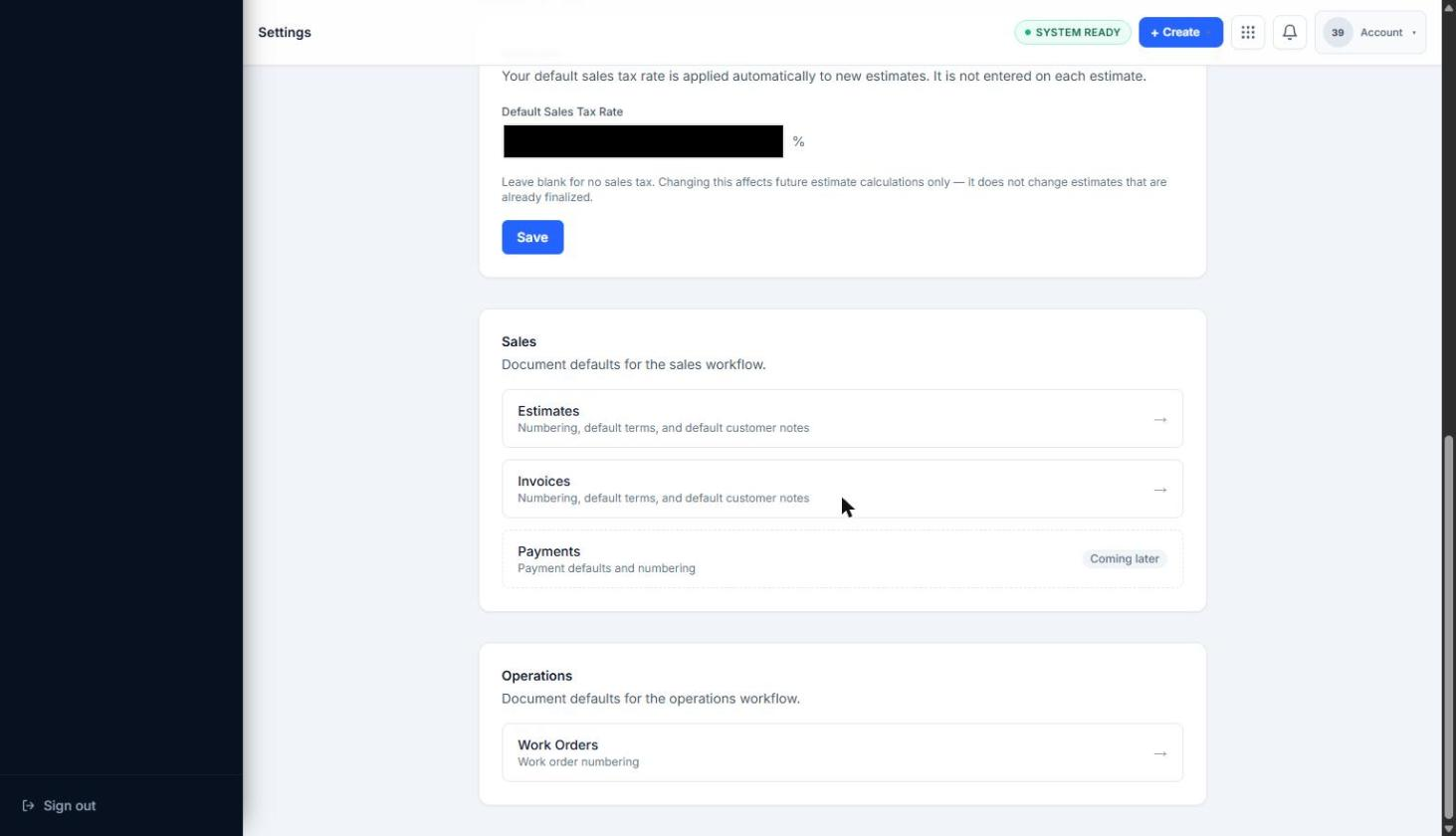
Module Settings region.
Observed Module sections:
- Default Sales Tax Rate
- Sales: Estimates / Invoices / Payments
- Operations: Work Orders
Expected result
Section titled “Expected result”The operator can locate Organization and Module settings sections from the Settings landing page and identify which areas are currently available versus marked Coming soon / Coming later.
Warnings and notes
Section titled “Warnings and notes”- Custom Domain, AI Integration, Approvals, Manage Subscription, and Payments defaults were observed as not yet available (Coming soon / Coming later). This article does not claim those areas are functional.
- This article does not claim authentication configuration, DNS management, billing plan administration, invoice/tax/payment processor effects, domain effects, or legal commitments.