
What the Customer Sees in a Public Proposal
When a customer opens their governed public proposal link, they see a read-only quote layout with business details, scope and line items, totals, and Accept / Decline actions — without needing to sign in.
Who this is for: Owners or staff who need to understand what customers see before sharing a proposal.
Before you begin
Section titled “Before you begin”- A public proposal link generated from an estimate that is ready for customer review. See How to Share a Public Proposal.
-
Opening the link shows a service quote layout with quote metadata, prepared-for details, service address, quote date, and a line item table with Description, Qty, Rate, and Amount columns.
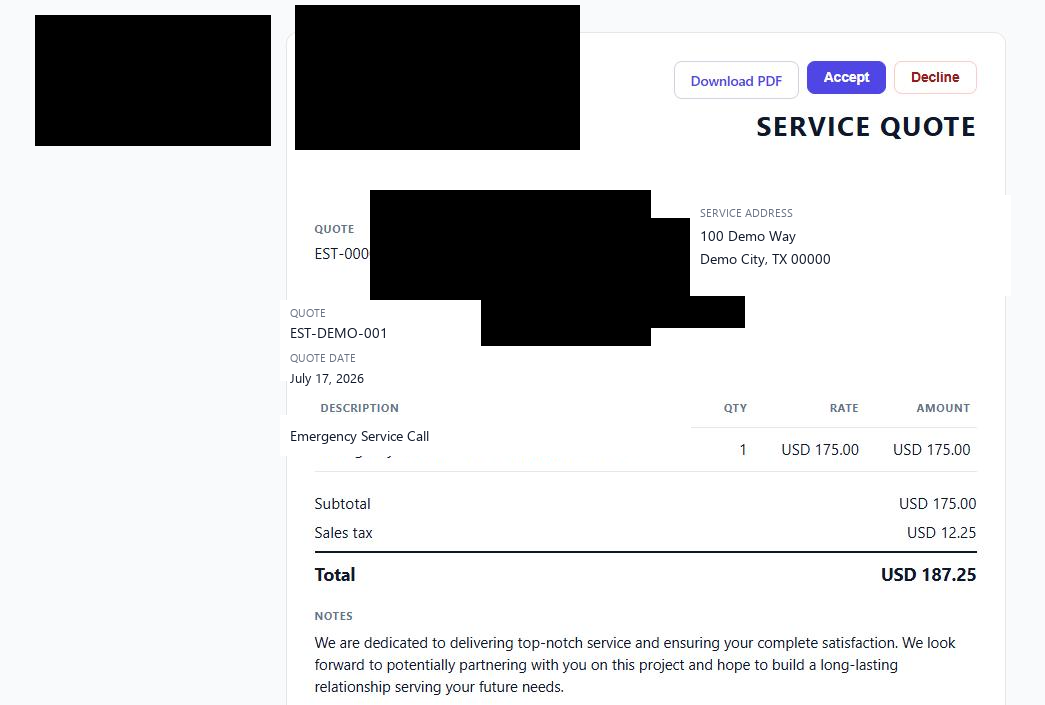
The customer-facing proposal layout. Business identity and customer contact details are permanently redacted in this capture. Synthetic demo address labels are used.
-
Below the line items, the proposal shows Subtotal, Sales tax, and Total, followed by a Notes section and Terms & Conditions text. Those figures are produced by deterministic OperelliOS logic from governed inputs.
-
Two actions are visible at the top of the proposal: Accept and Decline, alongside a Download PDF option.
-
Clicking Accept submits the customer’s decision and shows a simple confirmation screen.
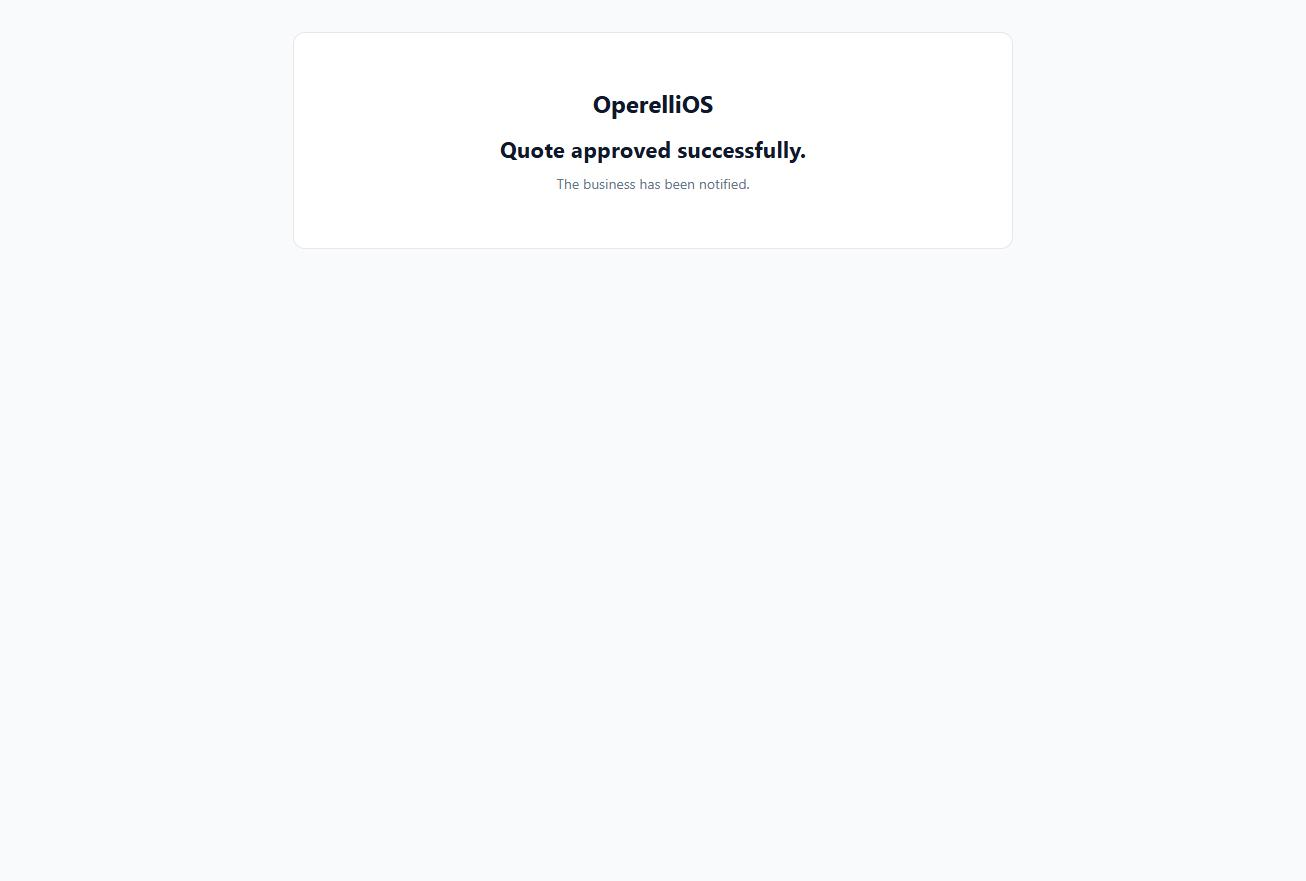
After Accept, the customer sees a confirmation screen, and the operator-side estimate status updates to Approved.
-
After a decision is recorded, reopening the same proposal link no longer shows the quote in this capture (an access-revoked response was observed). This is documented as observed behavior only — not as a general token-security guarantee.
Expected result
Section titled “Expected result”The customer can review the scope, line items, and totals of the proposal and either Accept or Decline it without an account. Accepting updates the underlying estimate to Approved on the operator side. Customer approval is a governed workflow action.
Warnings and notes
Section titled “Warnings and notes”- Decline was visible but not executed in this capture.
- This article does not claim the Accept action constitutes a legally binding digital signature; no such claim was observed in the product.
- The public proposal token is not included in Help documentation or screenshots.
- Contact Information and Payment Information sections of the live proposal template were excluded because they can display live business contact and payment details.
Verified limitations
Section titled “Verified limitations”- Verified portion: Proposal layout, line items, totals, presence of Accept / Decline / Download PDF actions, the Accept confirmation screen, and post-decision link behavior observed in this capture.
- Missing portion: The Decline action and its confirmation screen were not tested.
- Reason: Only one decision path was exercised per synthetic proposal.