
Understanding Issues
The Issues page is described in-product as showing operator-facing blockers and exceptions with direct resolution paths. At capture time, this environment had no active issues, so only the page purpose text and the empty state could be verified.
Who this is for: Owners or staff who open Issues to check for operational blockers.
Before you begin
Section titled “Before you begin”- An operator account with sidebar access to Issues.
-
Click Issues in the sidebar OPERATIONS group.
-
Read the page heading and description.
-
Review the list of blocking issues, or the empty-state message if none exist.
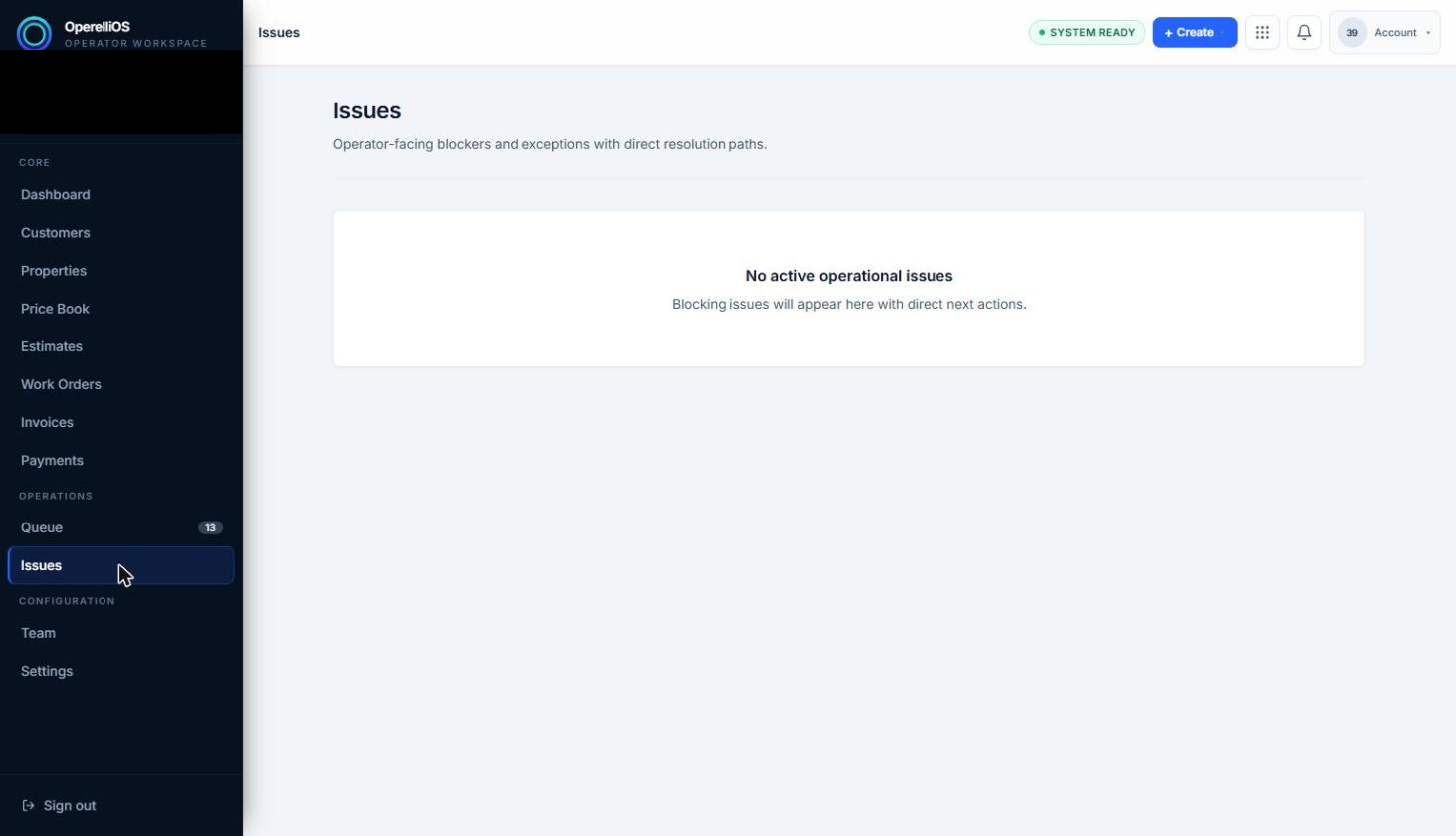
The Issues surface with no active issues.
Expected result
Section titled “Expected result”When no blocking issues exist, the page shows a card reading No active operational issues with supporting text that blocking issues will appear here with direct next actions. This was the state directly observed in this environment.
Verified portion
Section titled “Verified portion”The Issues sidebar entry point, the page heading and description text, and the empty-state message and supporting text.
Unverified portion
Section titled “Unverified portion”The list/table structure used when issues exist, issue labels, statuses, categories or types, issue detail preview, assignment, resolution, and lifecycle transitions.
Warnings and notes
Section titled “Warnings and notes”- Issue records were not available in this capture. Issue list fields, detail, statuses, and categories are not documented here.
- A dedicated Issue Review article is deferred until a product-supported synthetic Issue record exists. There is no
/operations/issue-reviewroute in this Help category. - This article does not claim automated issue detection, issue assignment, or issue resolution.